
This task shows you how to migrate drawing data from .model files to a layout.


-
Open the .model file.
-
Select the *DRAFT tab.
-
Copy the *DRAFT, view or detail view from the specification tree. In this case copy SECTION A/A.
-
Paste the selected element in the layout.
The view is pasted in Sheet.1.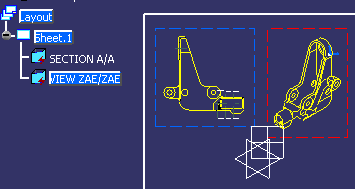

- The *DRAFT is converted to a 2D Layout sheet.
- The view is converted to a 2D Layout view. A auxiliary view is created with the same plane as in V4.
- The detail is converted to a 2D Layout detail sheet.
- The converted 2D Layout detail sheet does not display the sheet format in it.
- For more details on conversion of V4 elements to V5, refer to V4 Integration User's Guide.
