
A mold injection process requires sliders and lifters corresponding to holes in the solid model. To do so, you need to:
- create a bounding box around the slider area,
- remove the solid from this box,
- split this solid by an appropriate surface to separate the inner and outer parts of this solid.
Plug Faces provides a easy way to produce this splitting surface. It will:
- extract the face,
- untrim the face to retrieve its support,
- split this support by the inner boundaries of the original faces.
The result is a surface, connected or not, that can be used to split the solid.

- Open PlugFaces01.CATPart from the samples directory.

-
Create a new geometrical set and make it the Define in Work Object.
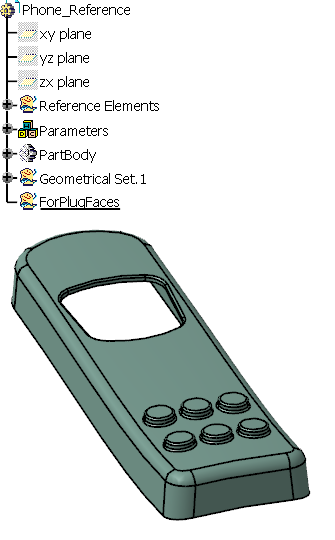
-
Click Plug Faces
 in the Surfaces toolbar.
The Plug Faces dialog box is displayed.
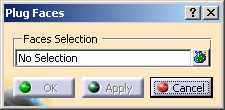
-
Select the face to plug and click Apply.
Click OK to validate and exit the dialog box.
The following features are generated under the PlugFace.1 node:
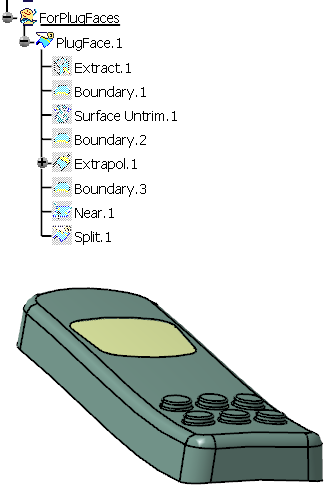
Namely:
- the extract of the selected face:
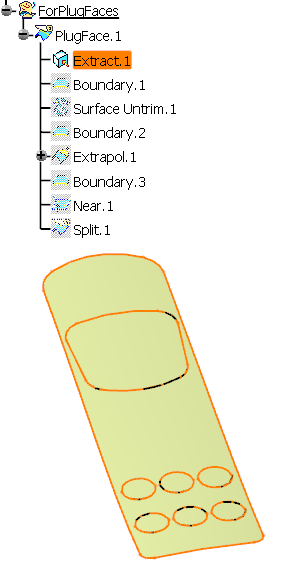
- the boundary of that extract:
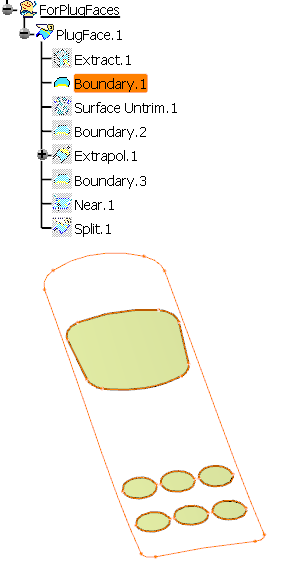
- the untrim of the extracted face:
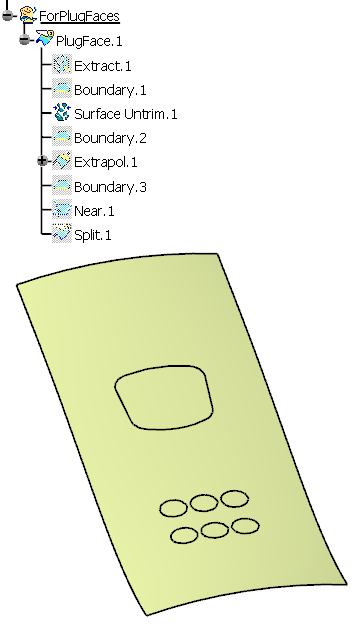
- the boundary of the untrim:
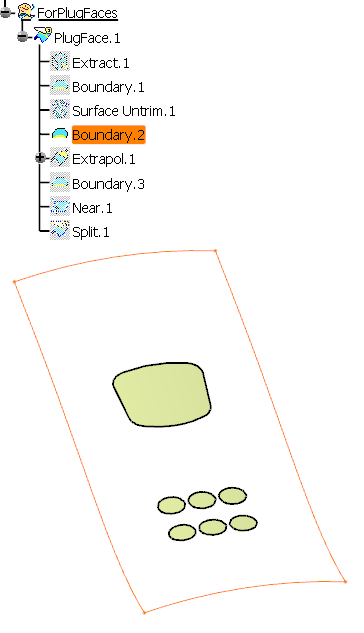
- the extrapolation of the untrim:
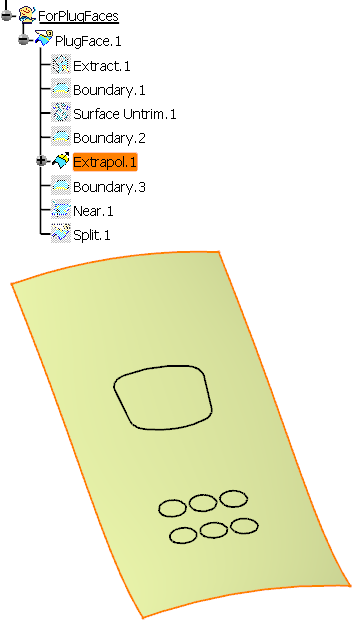
- the boundary of the extrapolation:
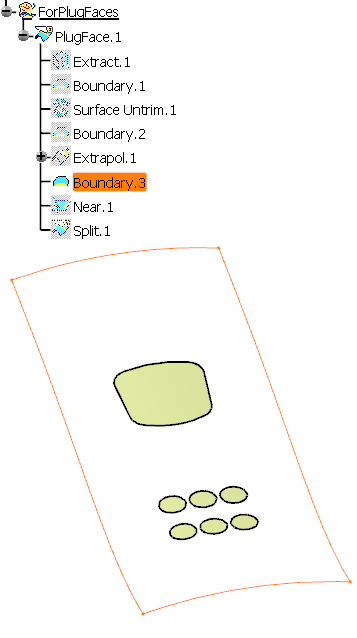
- the near of that boundary:
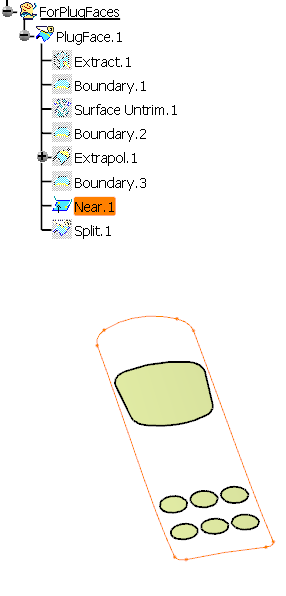
- the split of the extrapolated surface by the near:
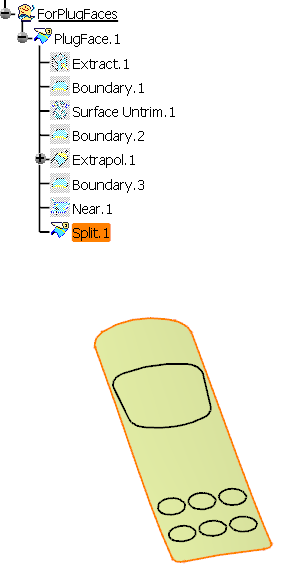
- the PlugFace, i.e. the split of the previous
split by the boundary of the extracted face:
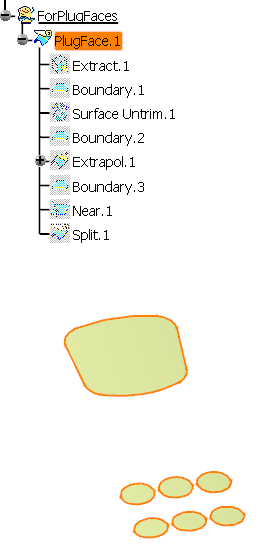
- the extract of the selected face:
