-
In CATIA V5, open the component family required, and access the design table.
You can also open the design table file directly from file system.
Design table has many configurations.
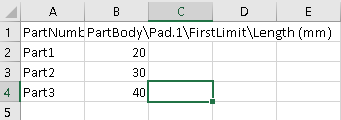
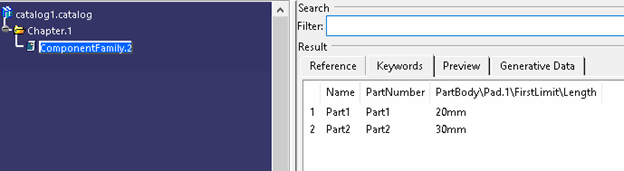
Note: Component family in a catalog displays the configurations as items.
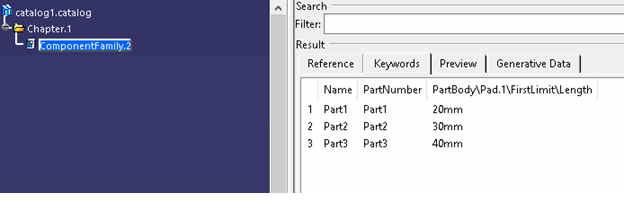
-
Modify the required configuration from the design table and save the design table file.
You can add or delete rows, update generic model, modify rows, and add or remove columns from design table.
-
To propagate the changes from design table to catalog, click Synchronize Chapter
 from
the toolbar.
from
the toolbar.
-
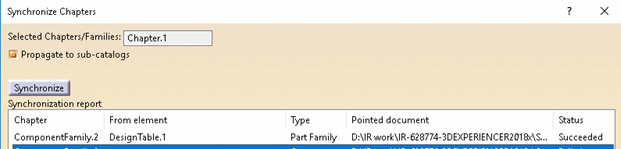
From the Sychronize Chapters dialog box, select the chapter having the component family, and click Synchronize.
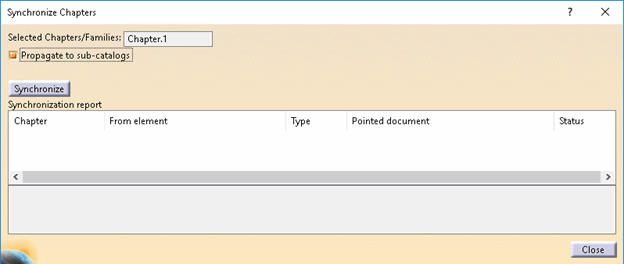
Success message appears. The component family under catalog is updated.
-
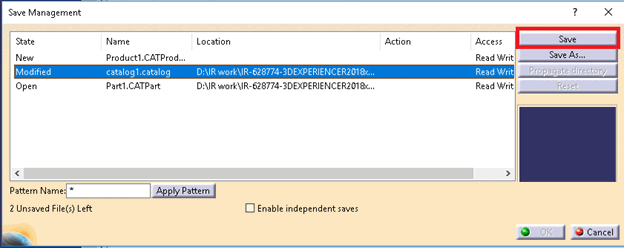
GO to File > Save Management and click Save to save changes.
The modified catalog and generic model (if any) get saved.