

-
Click the Export as IDF file button
 .
.The Export dialog box opens. 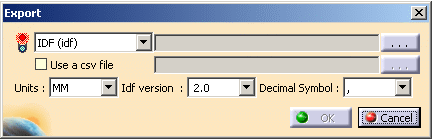
-
Click the
 button.
The idf File dialog box opens: 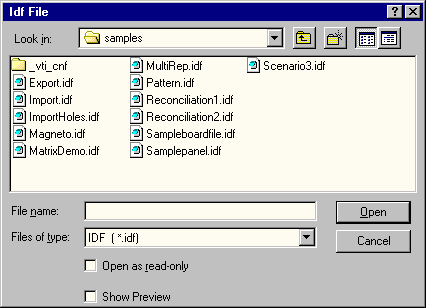
-
Enter DemoExport in the File name field.
-
Click Open.
-
You are back in the Export dialog box. Select the Decimal Symbol to be used for the export.

The Decimal Symbol makes the export totally independent of the language of the session. -
Click OK to perform the export.
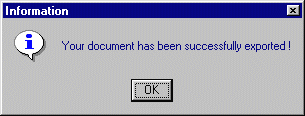
An Information message is displayed:
-
Click OK to close the information window.
