
This page deals with the Documents tab options:
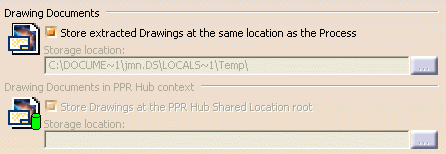
This option lets you store all the extracted Drawings at the same location as the Process file containing the IPM they are extracted from.
This option lets you to store all the extracted Drawings at the PPR Hub shared location root.
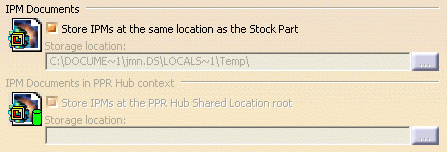
This option lets you store all the IPMs at the same location as the Stock Part they come from.
This option lets you store all the IPMs at the PPR Hub shared location root.
 When Creating IPM

When Create IPM from option is selected, the Browse button is active and you can select the user-template CATPart document to be used for IPM generation.
By default, Create IPM from option is not selected and user-template location is empty.
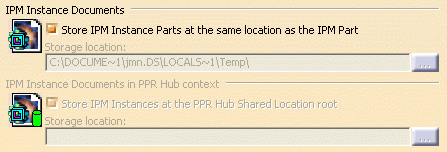
This option lets you store all the IPM instances at the same location as the Stock Part they come from.
This option lets you store all the IPM instances at the PPR Hub shared location root.