

-
Select Product1 in the specification tree.
-
Click the Existing Component

The File Selection dialog box appears.
-
Select an assembly from the sample directory and click Open.
A new component is added to the specification tree. The assembly now includes four components: three parts and a sub-assembly.
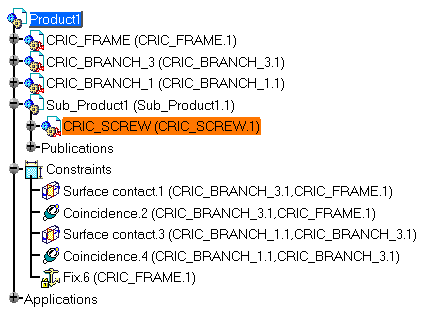
The selected component is imported.
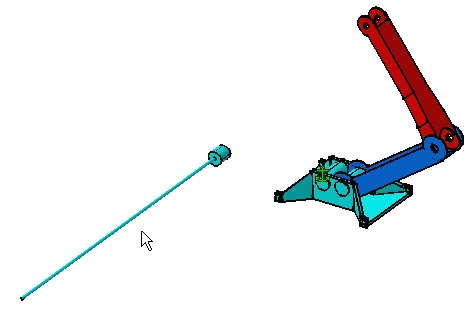

To know the different document types that you can insert in a CATProduct document, refer to Product Structure documentation. However, to know how to insert .asm documents properly, refer to Opening a .asm Document.
