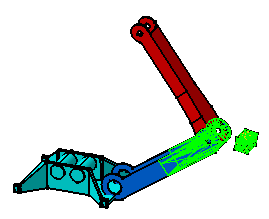
Once components have been added or
constrained, you may need to analyze the clash or compute the clearance
between components. This task shows you how to compute the clearance
between two components of an assembly.
Open an assembly.
1.
Select Analyze >
Compute Clash...
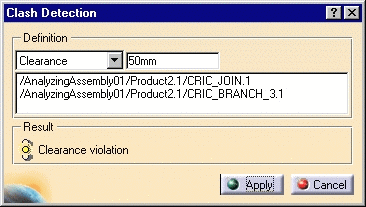
The Clash Detection dialog box appears.
2.
Select Clearance in the
combo box.
The Clash Detection dialog box displays a field where you specify the
clearance value.
3.
Enter the clearance value: 50 mm.
4.
Click the first component.
5.
Press CTRL and click the second component.
The components are displayed in the Clash
Detection dialog box.
6.
Click Apply to compute possible
clearance.
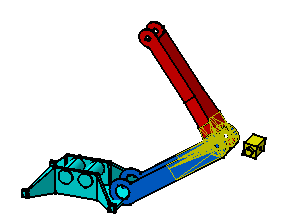
If a clearance violation is detected, the status icon is
appears in yellow in the dialog box.
7.
Click Cancel to perform another
operation.
8.
Multiselect two different
components.
9.
Repeat steps from 1 to 3.
10.
Click Apply.
If a
contact is detected between the components, the status icon in the dialog box turns yellow.