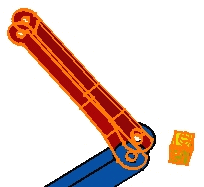
As assemblies may be very complex
and are made up of a large number of components, you may find it difficult
to see possible clashes. This task shows you how to analyze clashes or
compute clearance between components.
Open an assembly.
1.
Select Analyze >
Compute Clash...
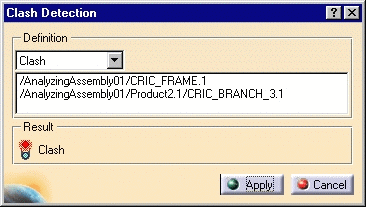
The Clash Detection dialog box appears. It lets you compute possible
clashes or clearance. The default option is Clash.
2.
Multiselect two components.
The components are displayed in the
Compute Clash dialog box.
3.
Click Apply to compute
a possible clash.
The icon in the
Result frame now flashes red is an interference is
detected.
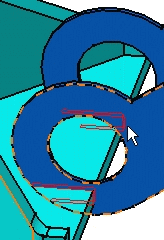
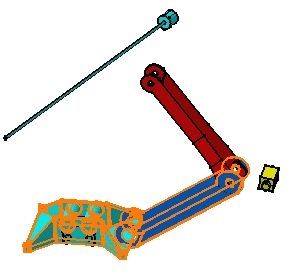
The application detects a clash
between the components. This result is shown by two red areas as the arrow
shows in the figure opposite:
4.
Click Cancel.
5.
Repeat the operation to compute a
possible contact between two components.
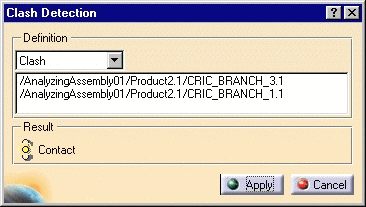
The icon in the
Result frame shows yellow is a contact is detected.
6.
Click Cancel to exit.
7.
Repeat
the operation to compute a possible clash between two other components.
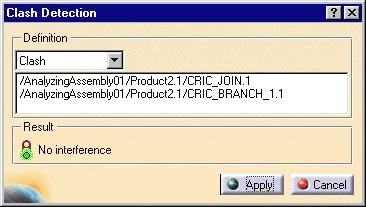
The icon in the Result frame shows green
is no interference is detected.