
You can duplicate components using the parameters previously set with the Define Multi Instantiation command.

Open an assembly.
-
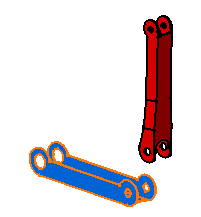
Select the component you want to instantiate, that is CRIC_BRANCH_3.
-
Click Fast Multi Instantiation
 in the Product Structure Tools toolbar.
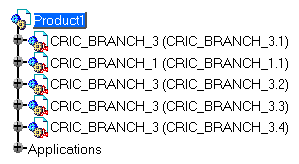
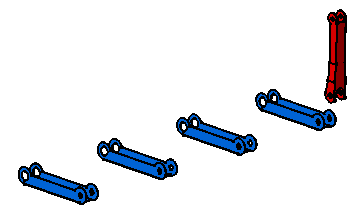
Three components are created according to the parameters defined in the Multi-Instantiation dialog box.

The Ctrl + D shortcut calls the command too.
