
This task shows how to control the color map on Von Mises display.
The Von Mises stresses, the Displacements, the Precision, the Principal Stress distributions are employed along with a Color Map.

Open the sample26.CATAnalysis document from the samples directory.
-
Activate a Von Mises Stress image. To know more, refer to Activating / Deactivating Images.
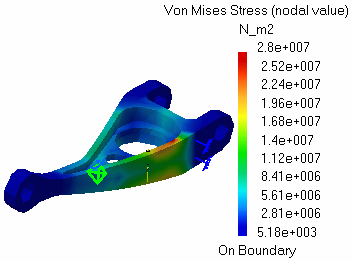

-
Click the Color Map.
The Color Map is now active (the part viewer is deactivated and the part is shaded) and can be:
-
moved using the middle mouse button.
-
zoomed using the middle mouse button and then the left mouse button.
-
-
Move the color map.
Use the middle mouse button and drag the palette to the desired location.
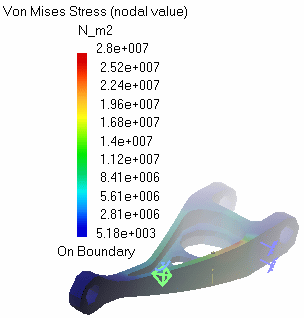
-
Zoom in and zoom out the Color Map.
Use the middle mouse button, then the left mouse button and zoom either in or out the color map to the desired size.
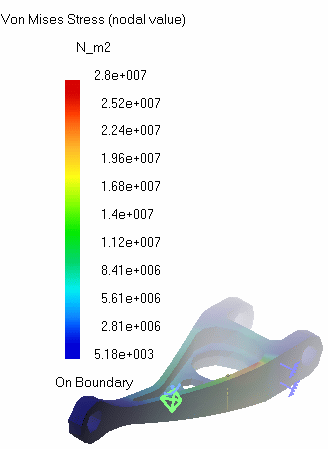
-
Click the Color Map.
The Color Map is deactivated (the part viewer is activated and the part is no more shaded).
