
This task shows you how to select several spot points or curve beads, edit and modify their diameter value.

Let us take an
example with spot points.
Open the
MultipleSpotPoints2.CATProduct
document.

-
Select several spot points in the specification tree or in the 3D geometry.
-
Right-click and choose the Selected objects > Definition... contextual item. You can also select the same command through the Edit menu bar.
The BiW Fastener Definition dialog box opens. 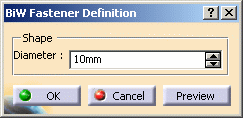

By default, the diameter value corresponds to the value of the first selected fastener. -
Set the Diameter value to 8mm.
You can also modify the Diameter value using the Change step contextual menu on the field. In this case, the modified step value for the diameter is applicable to the current multi-edition operation only. It is not persistent on the selected fasteners. -
Click Preview: all the selected fasteners now have the same diameter.
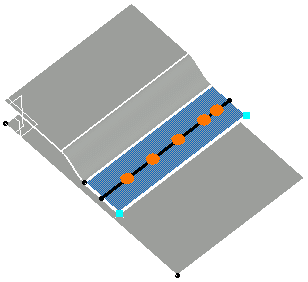
-
Click OK to exit the dialog box.
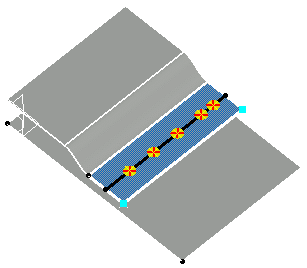
The order of selection is important as it is the first selected fastener that gives the diameter value.
